AvaClone

Make the face. Then make it any style you like.

Generate a portrait from a description, edit one you have with plain words, restyle it in one click, change the background. Identity, pose and framing stay; only the look changes.
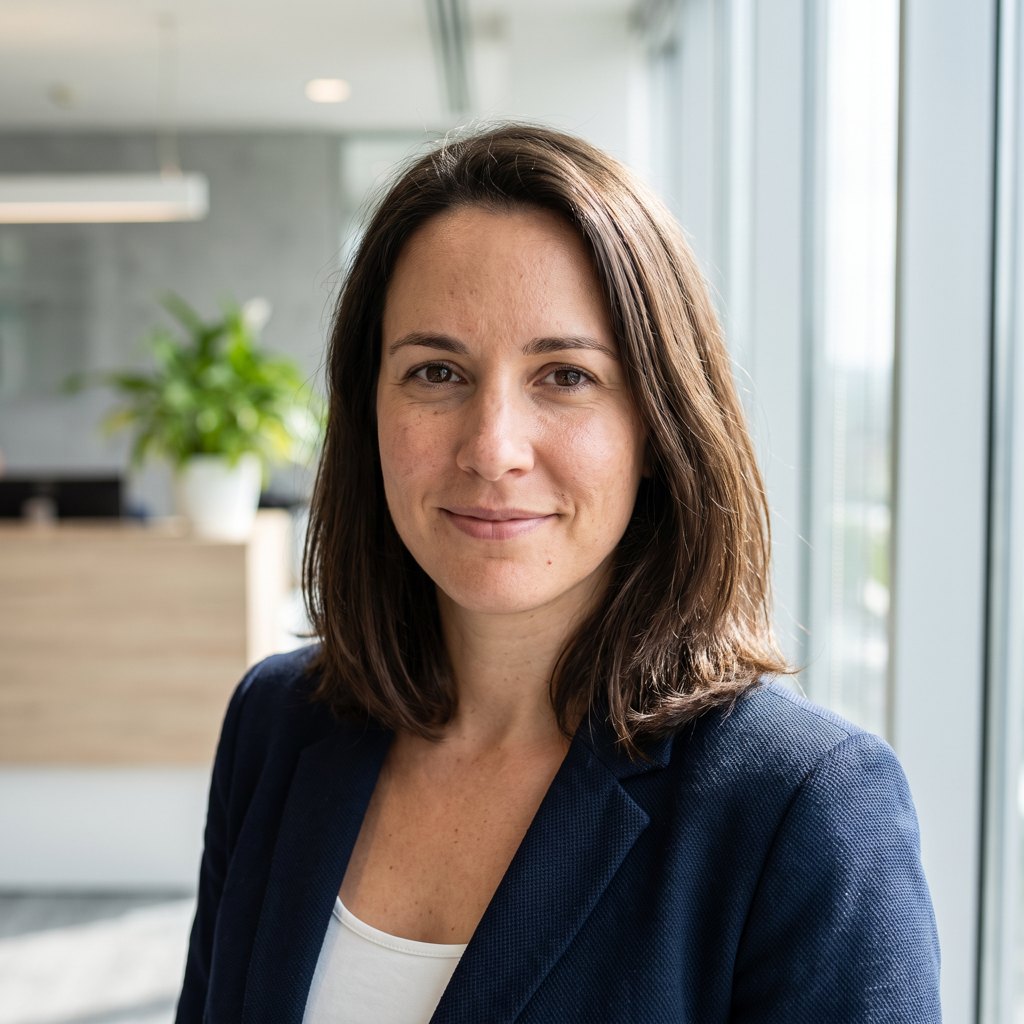
AI-generated · not a real person

The photo you upload

A business portrait with its background. Nothing removed unless you ask.

The same portrait in the Cartoon style

Cartoon

1 click

Flat color, soft cel shading, ink outlines.
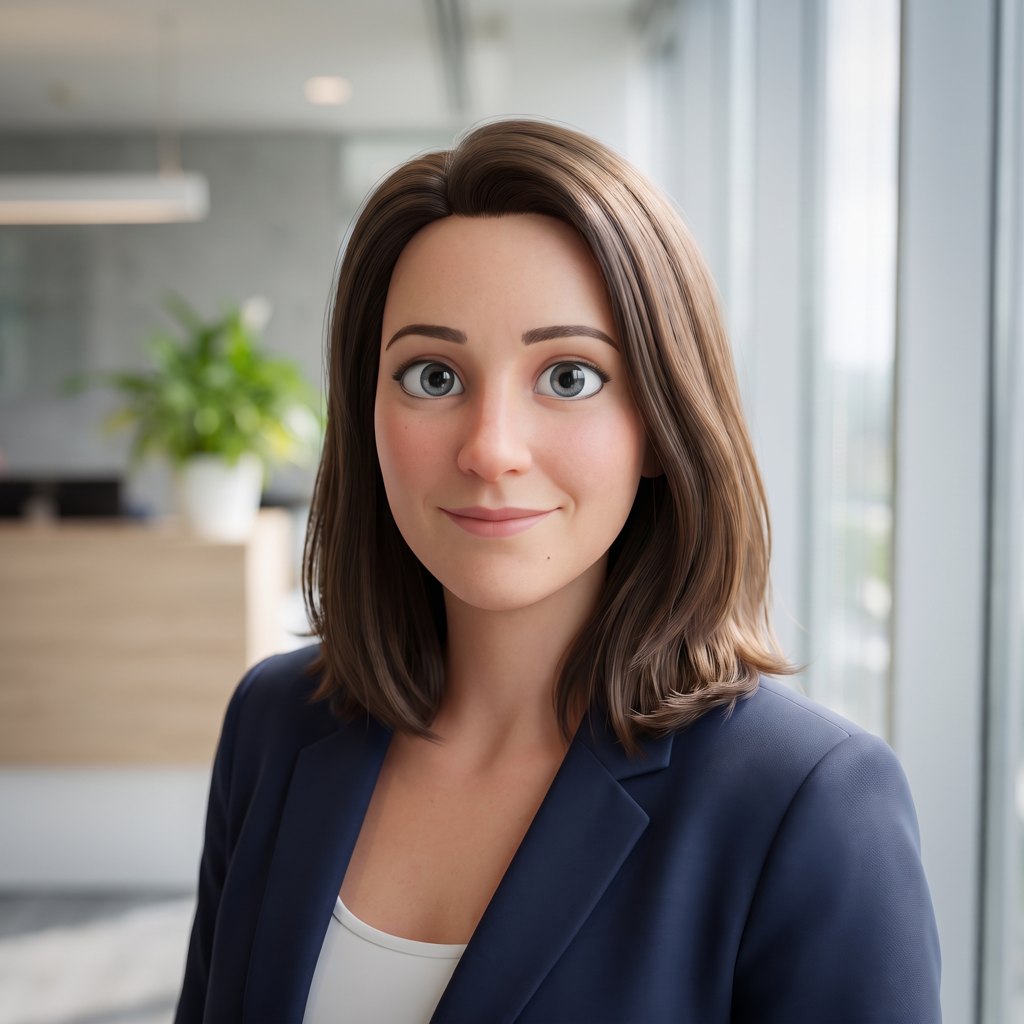
The same portrait in the 3D style

3D

1 click

A stylized 3D character render.

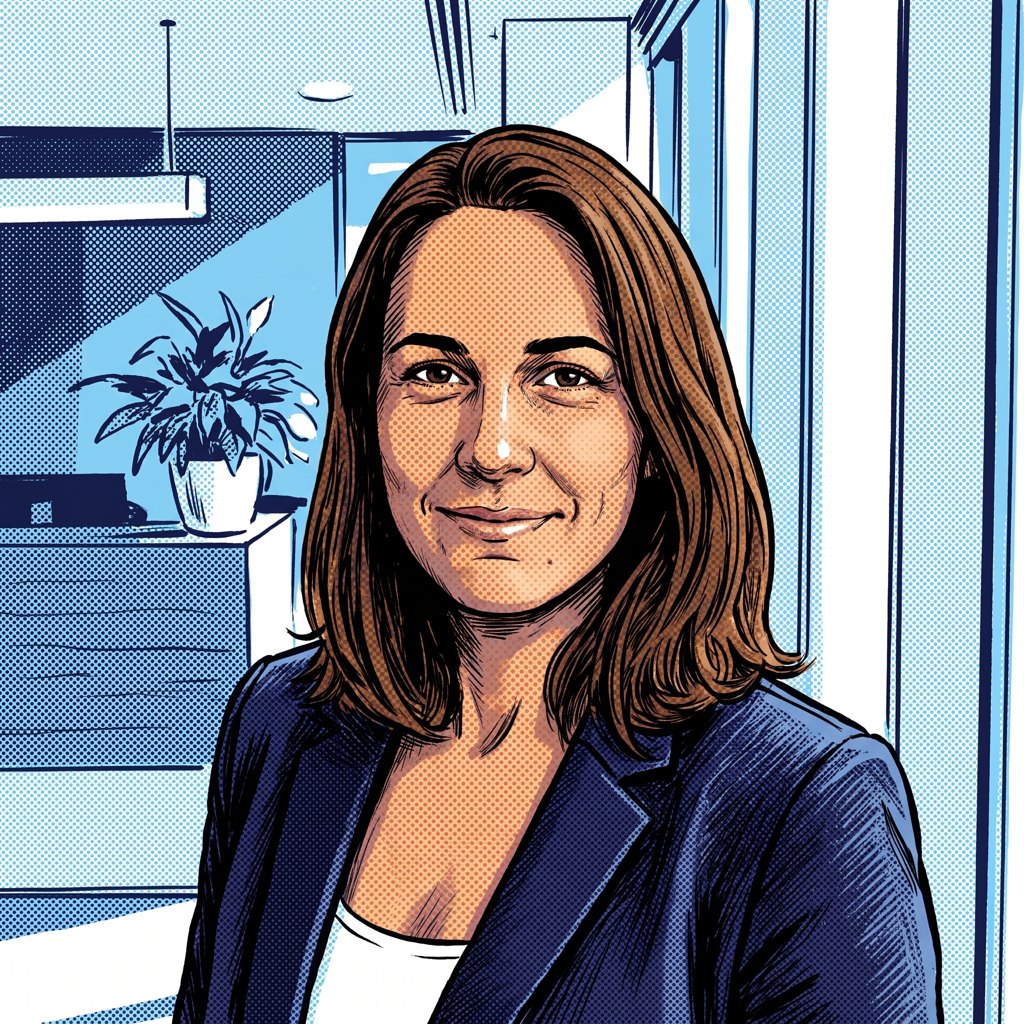
The same portrait in the Comic style

Comic

1 click

Bold ink lines and halftone.

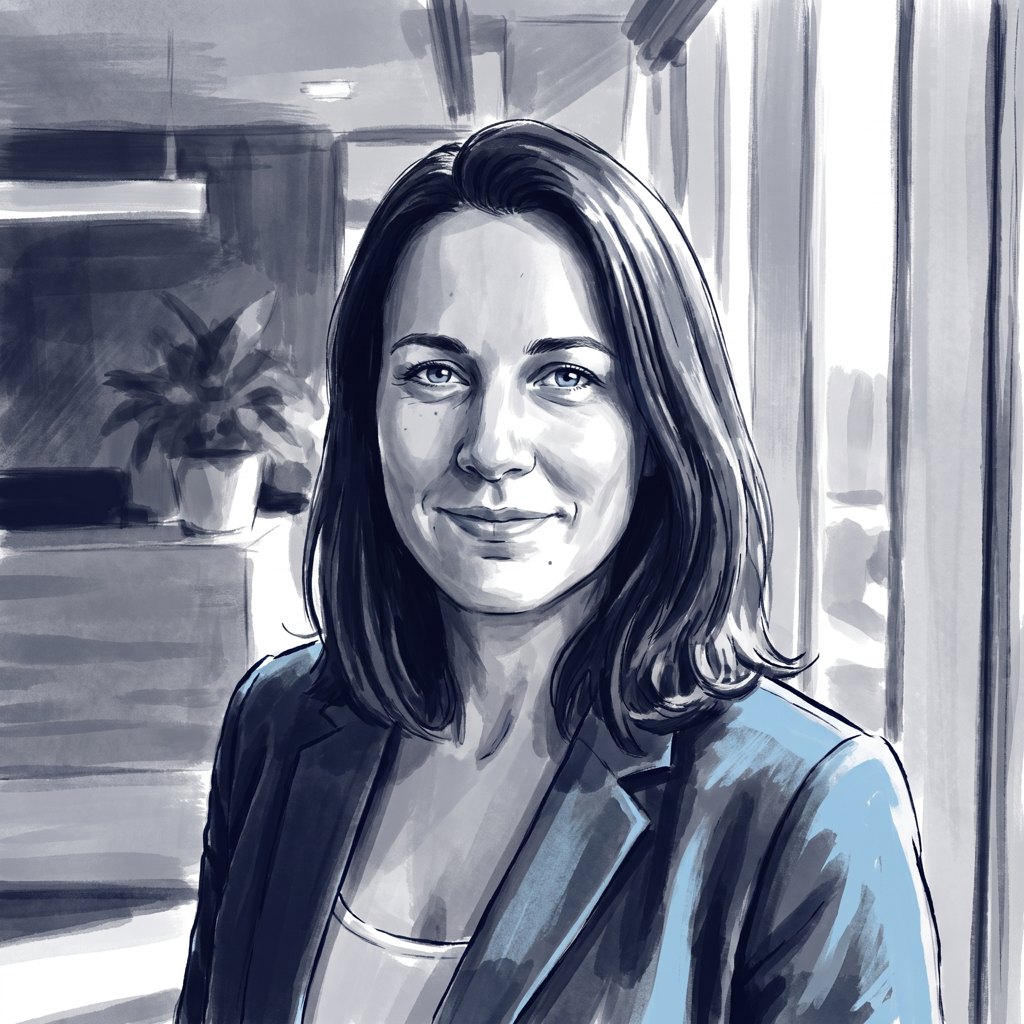
The same portrait in the Graphic novel style

Graphic novel

1 click

Painterly ink wash, restrained palette.
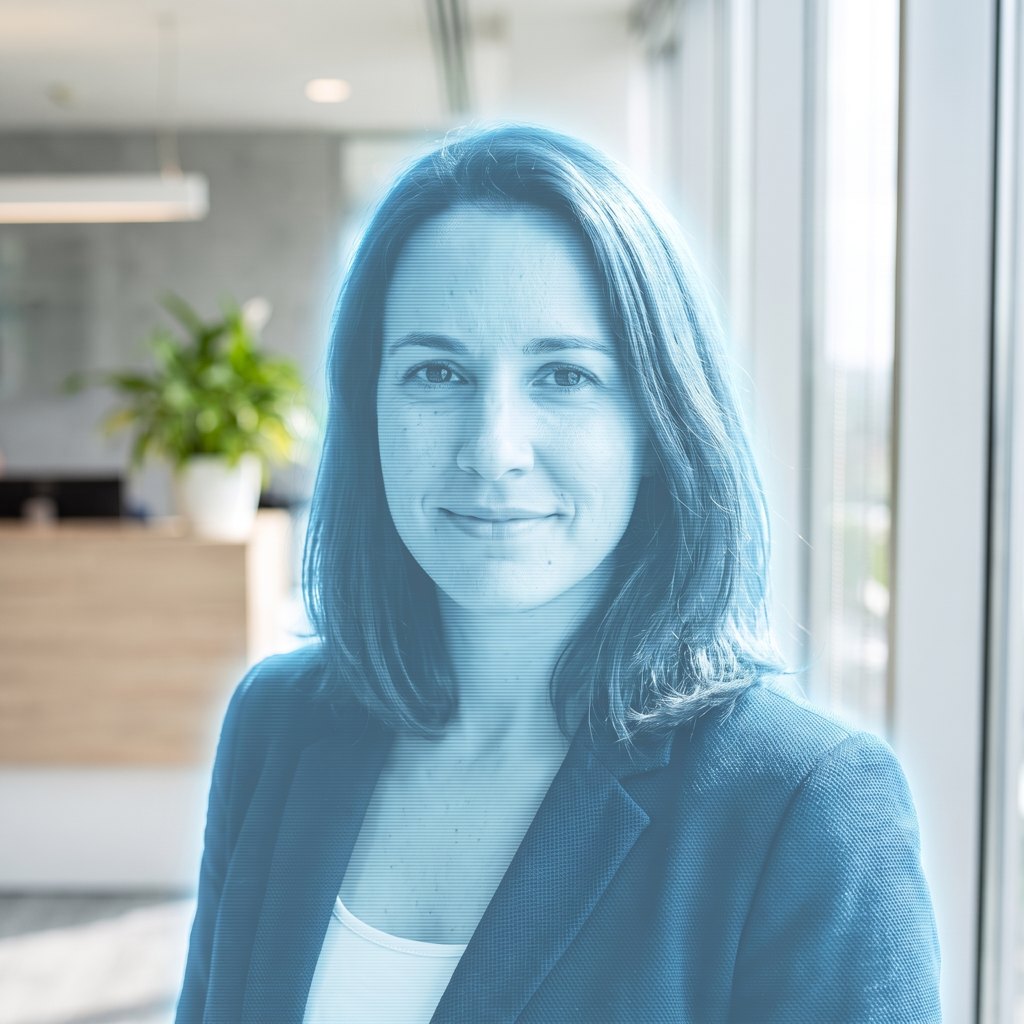
The same portrait in the Hologram style

Hologram

1 click

A translucent blue projection, scan lines and all.
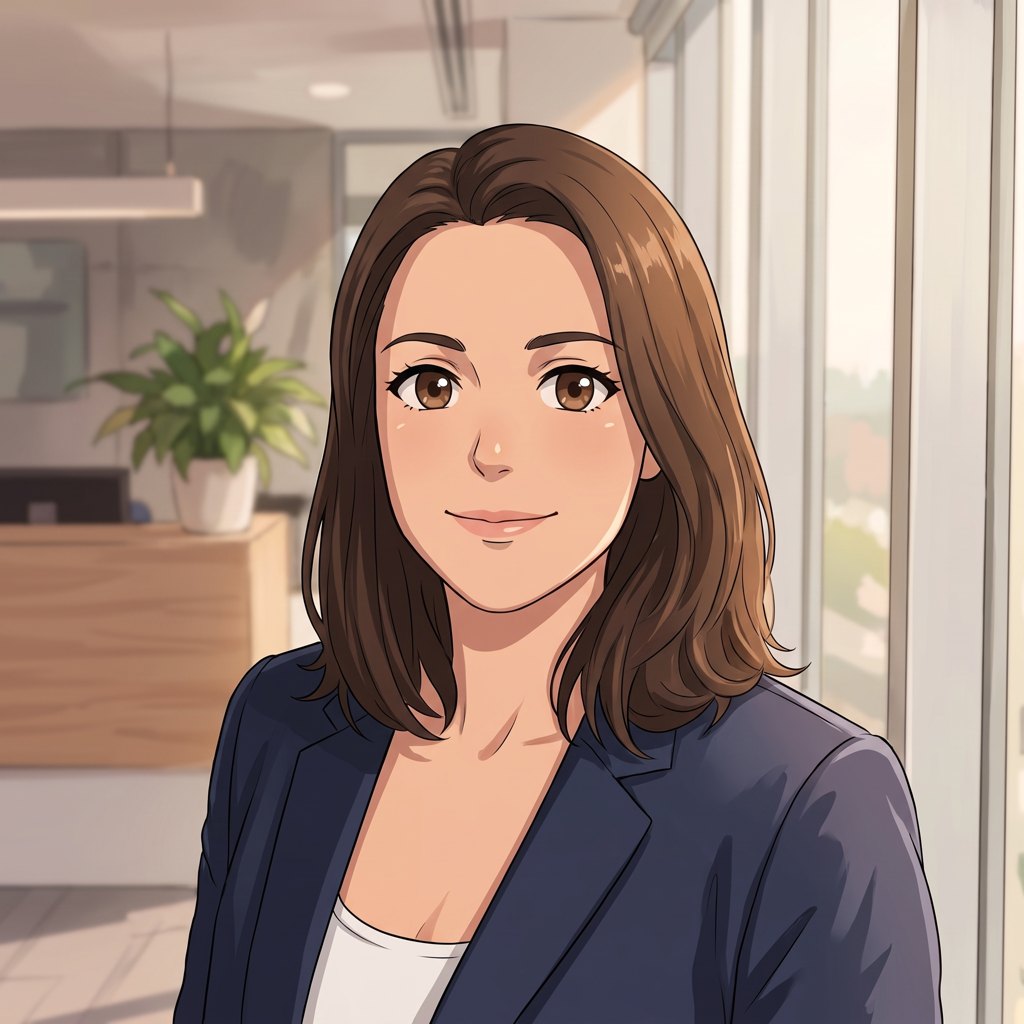
The same portrait in the Anime style

Anime

1 click

Clean line art, cel shading.

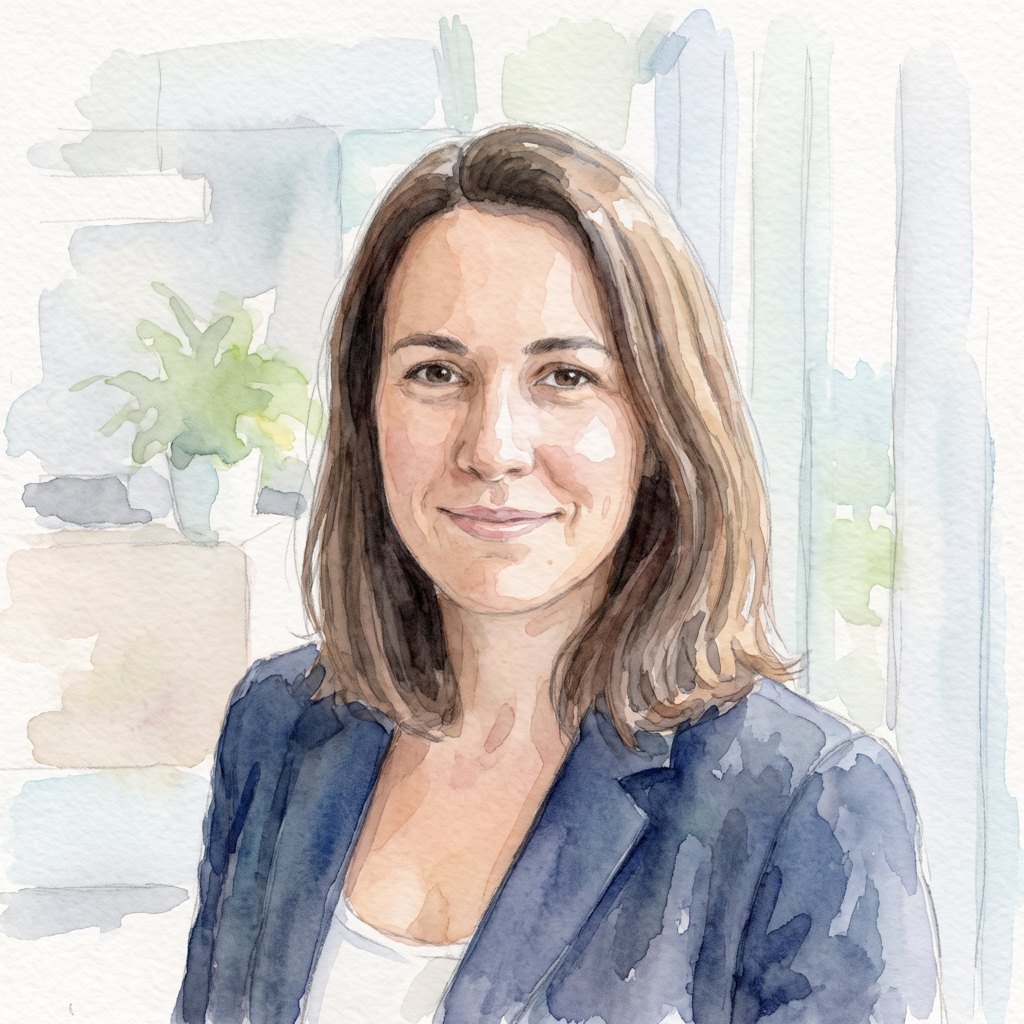
The same portrait in the Watercolor style

Watercolor

1 click

Soft washes on textured paper.

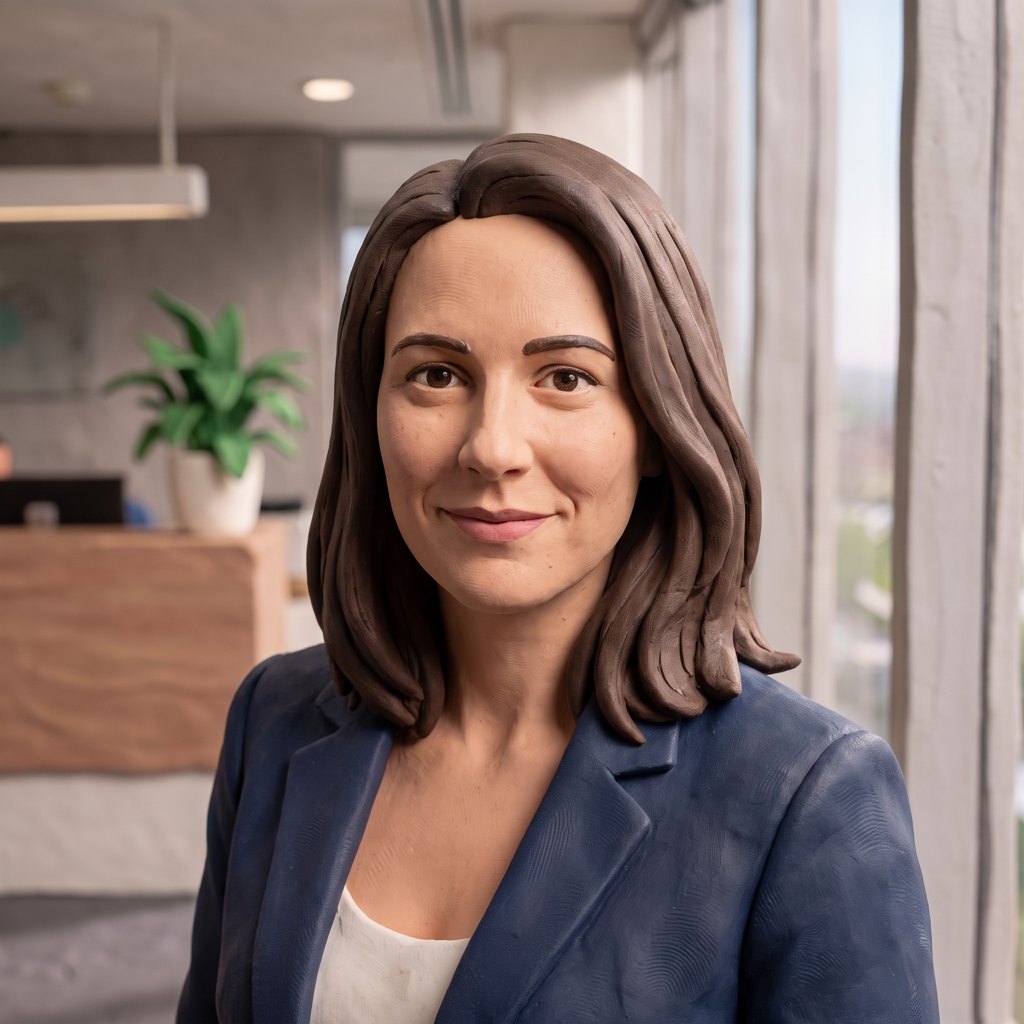
The same portrait in the Clay style

Clay

1 click

A stop-motion figure, fingerprints included.
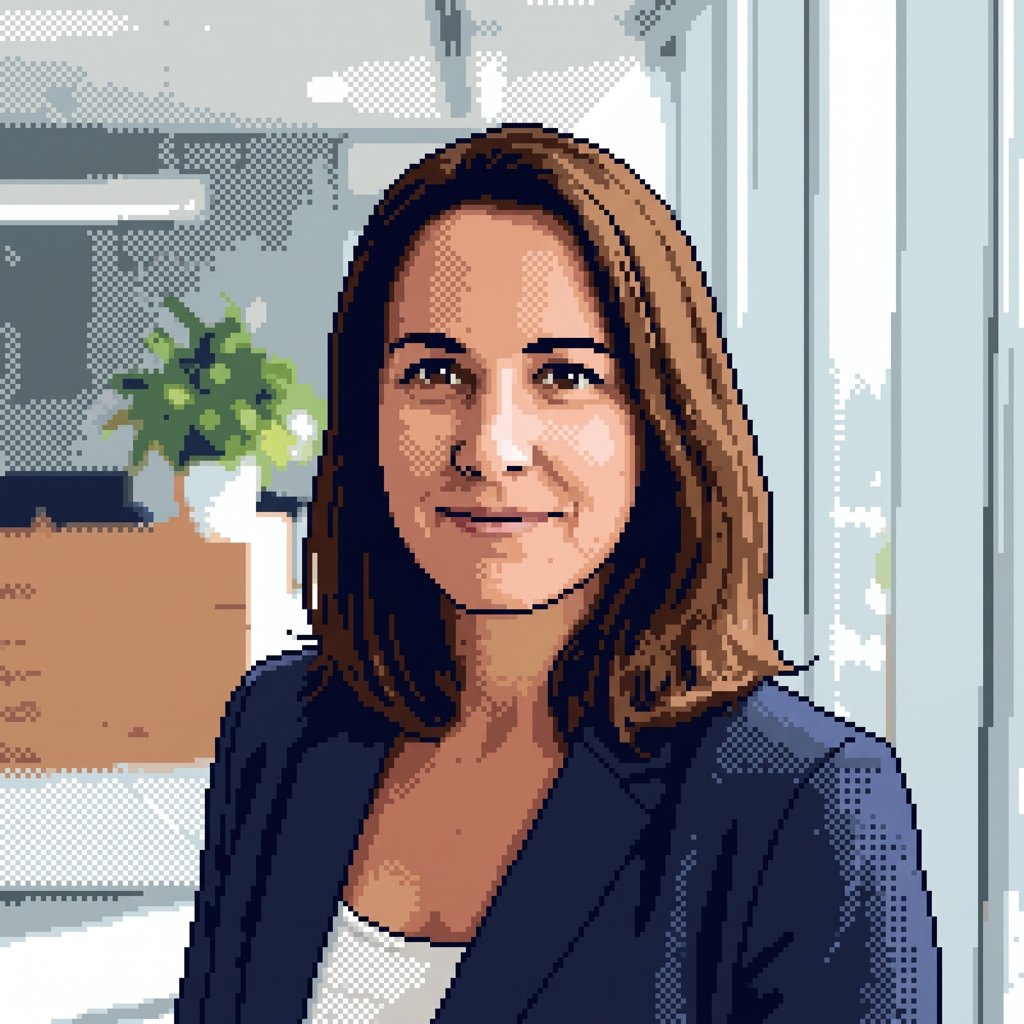
The same portrait in the Pixel art style

Pixel art

1 click

A visible grid, a limited palette, dithering.
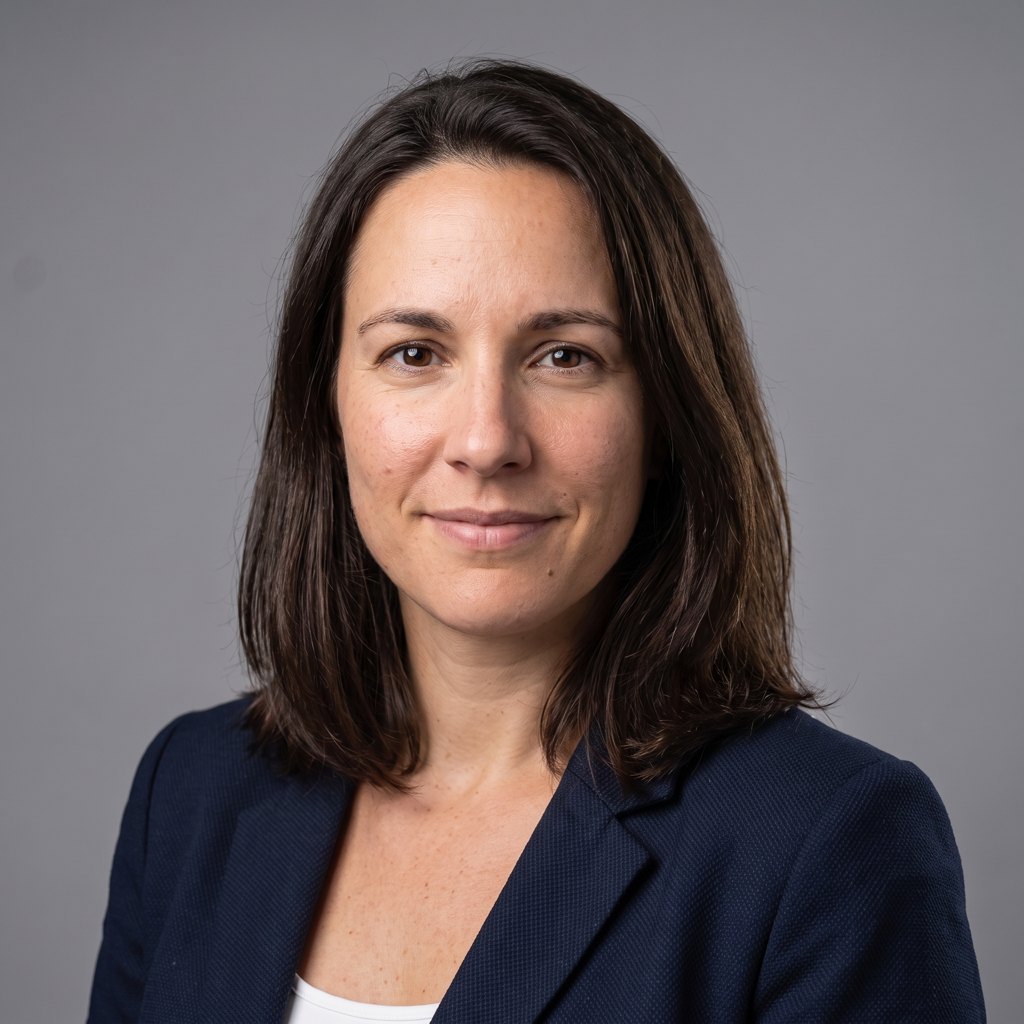
The same portrait in the Corporate headshot style

Corporate headshot

1 click

Studio lighting and a neutral backdrop, the LinkedIn look.

One source image, ten restyles, each a single click. Made with the Studio’s own edit model; AI-generated, not a real person. Realistic is the eleventh style: it turns a drawn or 3D character into a plausible real-looking person who keeps its features.

Backgrounds: kept by default.

Most tools cut the background out whether you want it or not. The Studio keeps it unless you say otherwise.

Keep

The photo as it was taken. The default.

Remove

A transparent cut-out, priced like an edit. The avatar can then sit over your page, a color or an image, and you can swap that later without a rebuild.

Replace

An image you upload, a stock backdrop (office, studio gray, bookshelf, reception desk, outdoors, your brand color), or one generated from a description, relit to match the subject.

How the Studio works.

Describe it

“A woman in her forties, dark hair, navy blazer, warm smile.” You get up to four head-and-shoulders candidates, framed the way an avatar needs (centered, shoulders in frame, eyes open, mouth closed). Pick one and continue.

Edit with words

“Add glasses.” “Change the shirt to a white polo.” “Warmer lighting.” The result keeps the same identity. A mask brush confines an edit to one area when you want it to.

Nothing is lost

Every operation makes a new image; nothing is overwritten. A history rail shows every version; click any one to go back, or branch from it. Save to your library, download, or build it into an avatar in one click.

Priced per image, shown before you click.

Standard quality, from 4 tokens

Generate, edit, restyle, remove or replace the background.

High quality, from 13 tokens

The same operations at high quality, the default for a face that will become an avatar.

4K, from 34 tokens

The same at the provider’s maximum resolution.

Free

Uploading a photo, saving, downloading, version history, use as avatar. Anything refused, failed or timed out is never charged, and a refusal tells you which rule it hit.

Three image models

Google Nano Banana Pro, Google Nano Banana 2.1 and OpenAI gpt-image-1 behind one interface. Pick the model per operation; the price on the button follows it (OpenAI gpt-image-1 from 4 tokens, Nano Banana 2.1 from 10, Nano Banana Pro from 40). Your images go to the provider only for the call, with no retention or training.

Provenance kept

Every output carries a manifest saying it is AI-generated and what was done to it. We never strip the providers’ own marks. Minors, public figures, known characters and explicit content are refused.

Make the face your brand has been missing.

Start from a photo, a sketch or a few words. Restyle it, change the room behind it and hear it speak the same afternoon.